










Three little ways to keep
your moments.
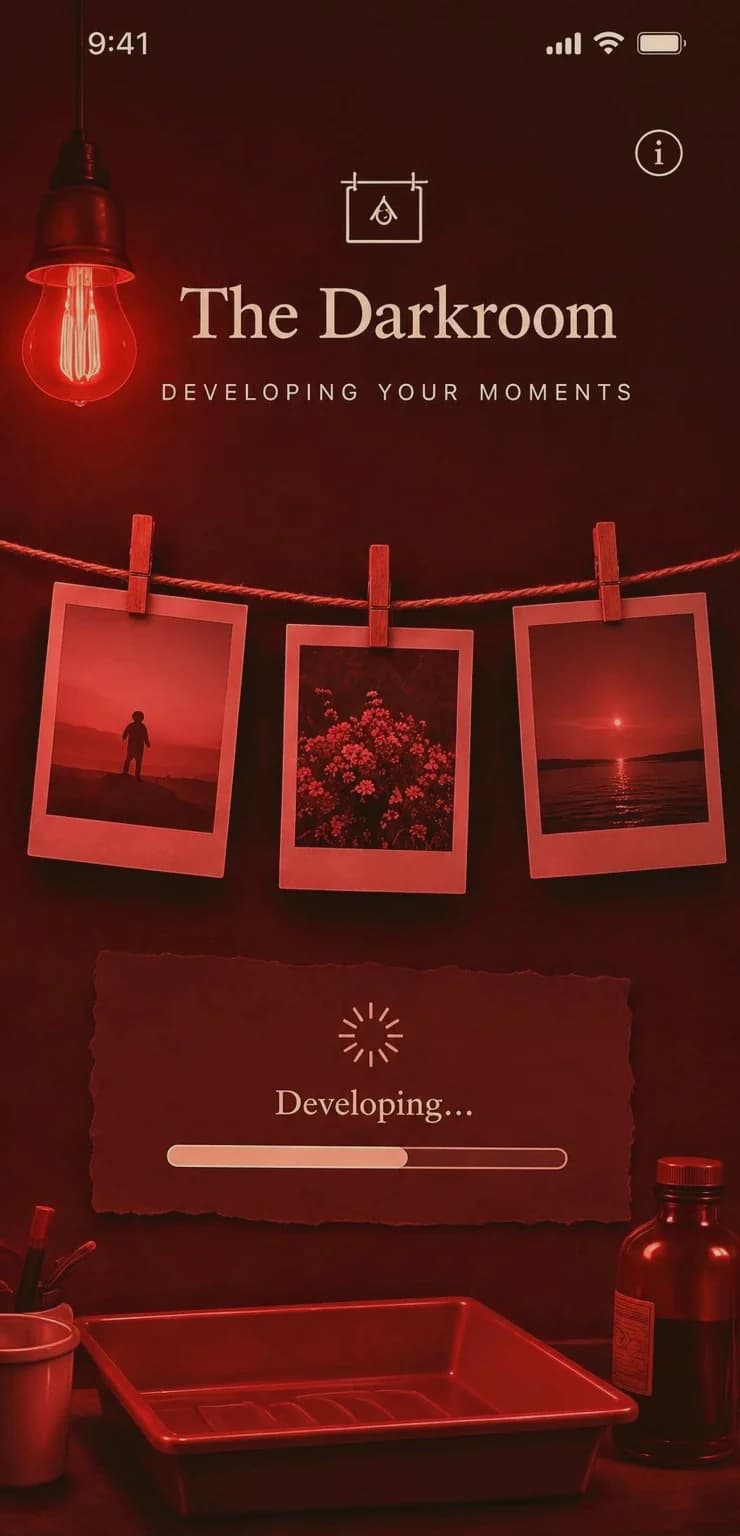
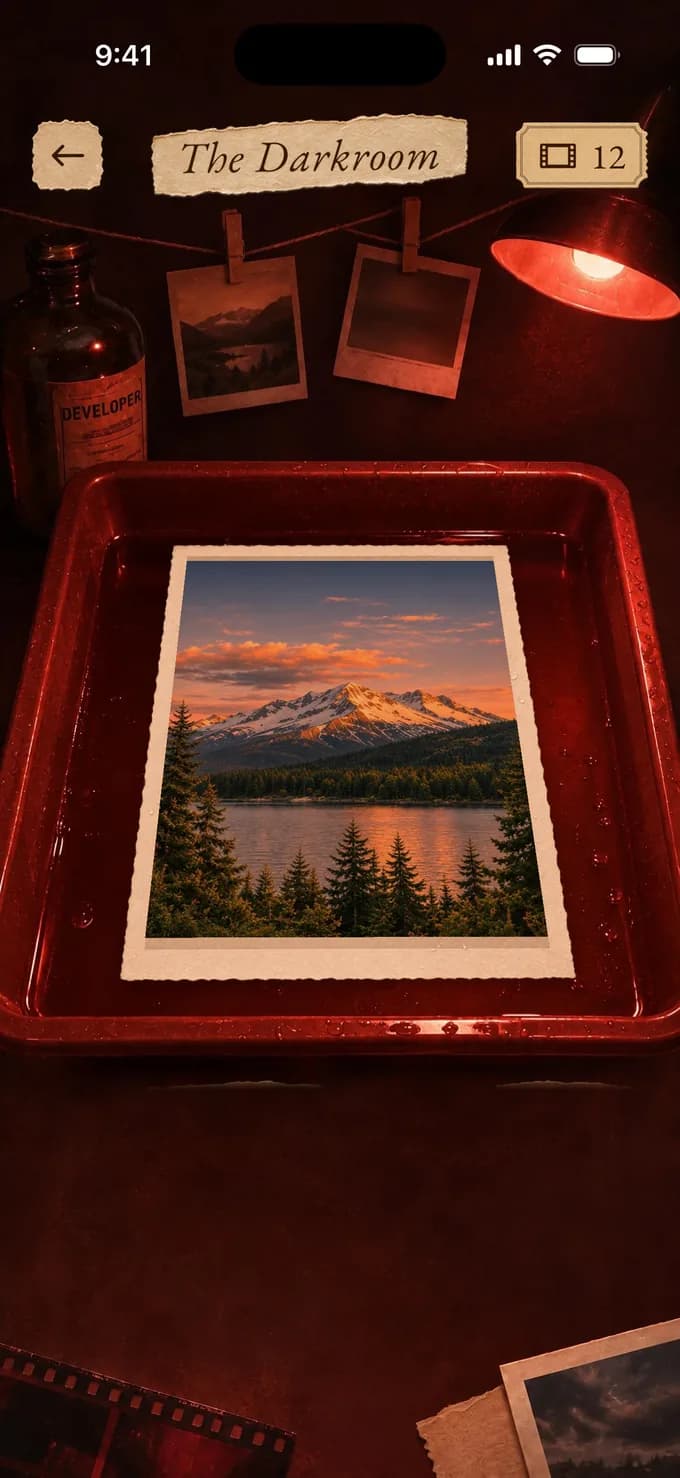
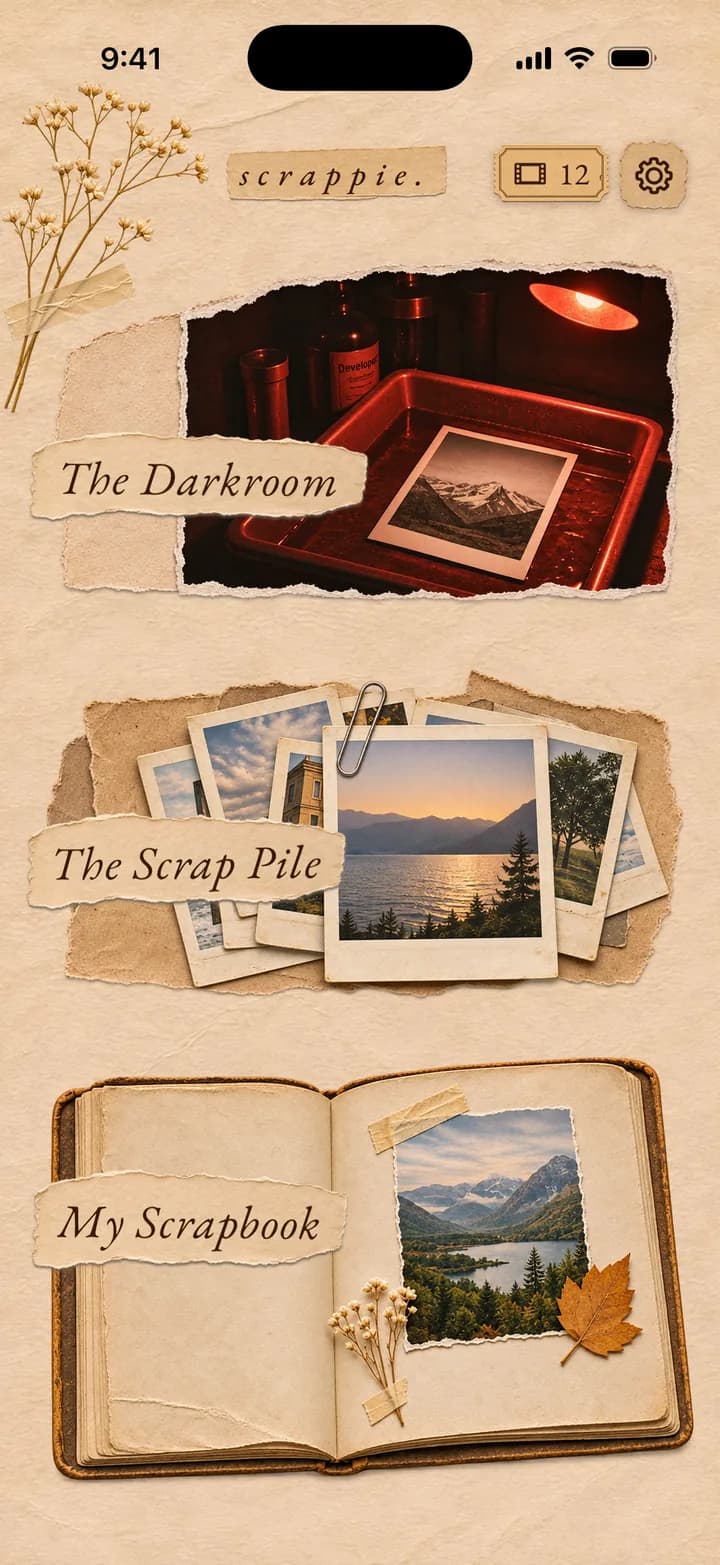
 The Darkroom
Hand over one photo and develop it. Scrappie reworks the light and color, and sometimes the whole scene.

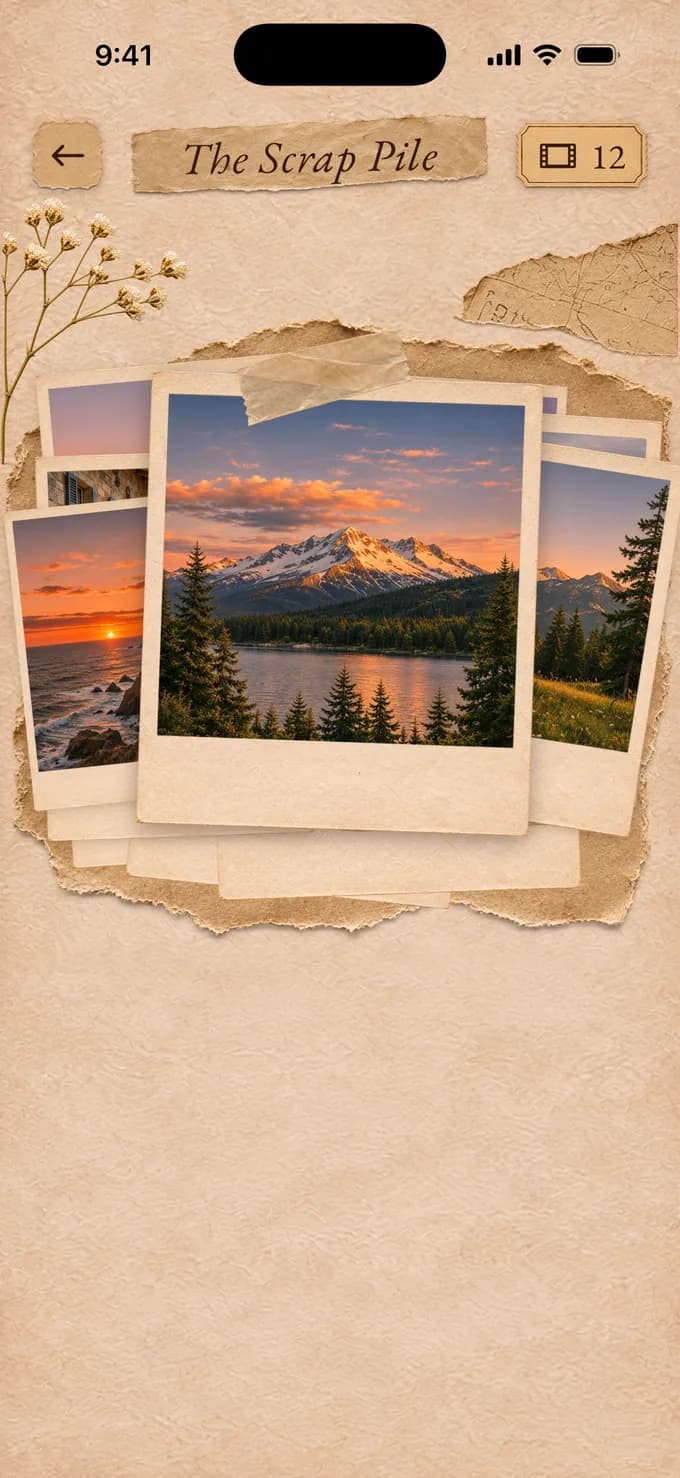
 The Scrap Pile
Drop in up to 100 photos. It sets aside repeats and blurs, then edits the best ones once you say so.
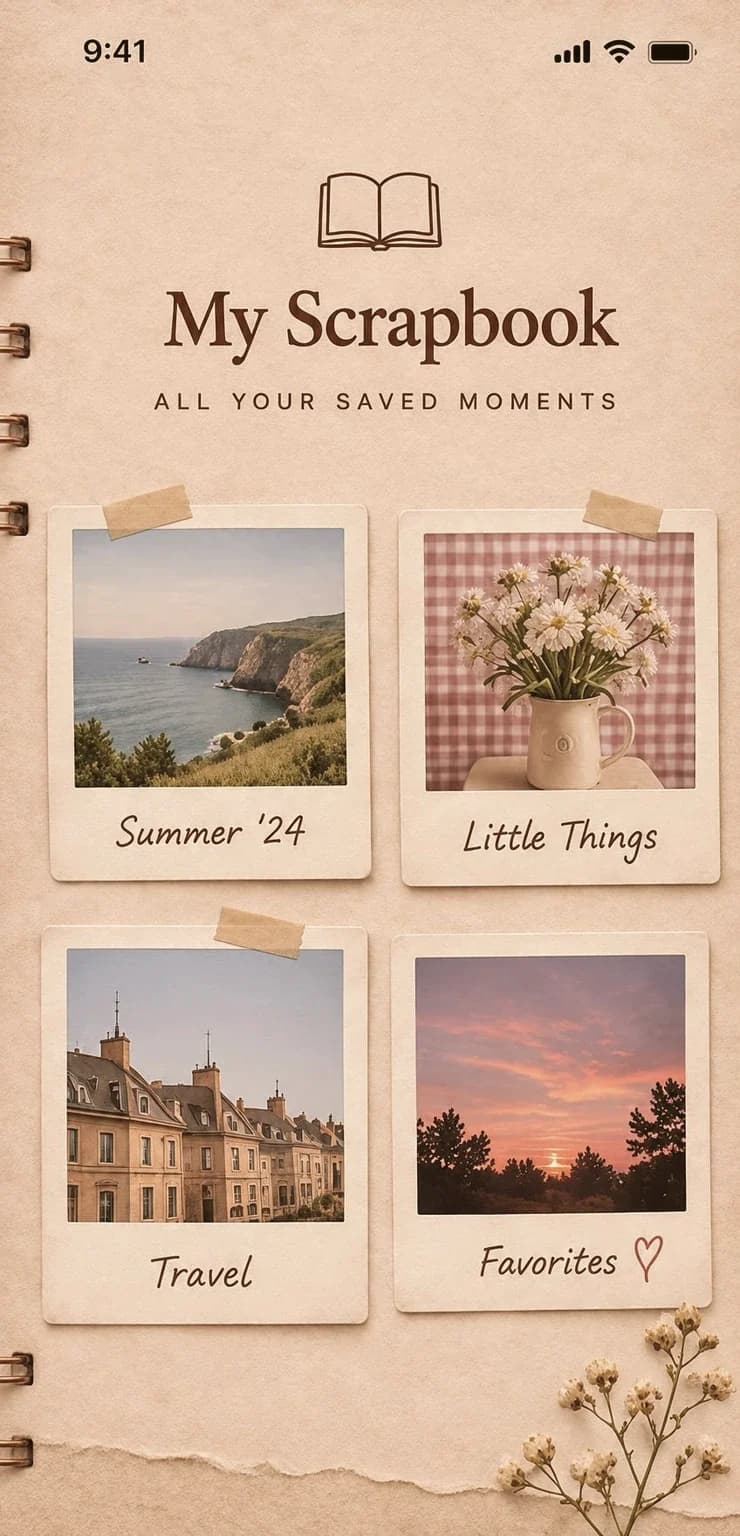
 My Scrapbook
Every edit lands here by date, with its original, and stays until you choose to delete it.







Get More Tickets
Each ticket lets you edit one photo.


10 tickets
$14.99


30 tickets
$37.99

 Best Value

100 tickets
$79.99
Prices in US dollars. The app always shows the current App Store price for your region.


the small print, in plain words
Frequently
asked
questions.

 How does editing work?
You pick a photo and tap Develop. There are no settings to learn and no style to choose. Scrappie reworks the lighting, color and atmosphere, and it can change the scenery or background too, while aiming to keep faces, clothing and the heart of the moment. Results vary from photo to photo. Try Another Edit starts again from your original and takes a different direction, and your earlier versions stay.
 What are tickets?
One ticket pays for one finished edited photo, so trying another edit uses one more. If an edit fails, its ticket comes back, and having The Scrap Pile sort your photos is free. Tickets are one-time purchases made in the app, not a subscription.
 Are my photos private?
There are no profiles or feeds. To edit a photo we send it to our servers and to our editing provider, once you’ve agreed in the app. You can withdraw that in Little Details. Our provider says it does not use this data for training by default, and it keeps abuse-monitoring logs for up to 30 days, or longer if its safety systems flag an image. Your edits and originals stay until you delete them, which you can do at any time. The Privacy Policy names our providers and has the details.
 Can I restore my purchases?
Not in the usual way. Tickets are used up as you spend them, so the standard iOS restore does not bring them back. Your balance lives on your account instead: link Sign in with Apple, and signing in on a new device brings it across. Linking is optional and never required to use the app, but without it tickets can’t move automatically, and the Support page explains what to do. Restore Purchases still has a job: it re-checks your device’s purchase history and adds the tickets for any purchase that was never counted.



Start your
scrapbook today.
The photos you love, made worth keeping.
 Coming soon to the App Store